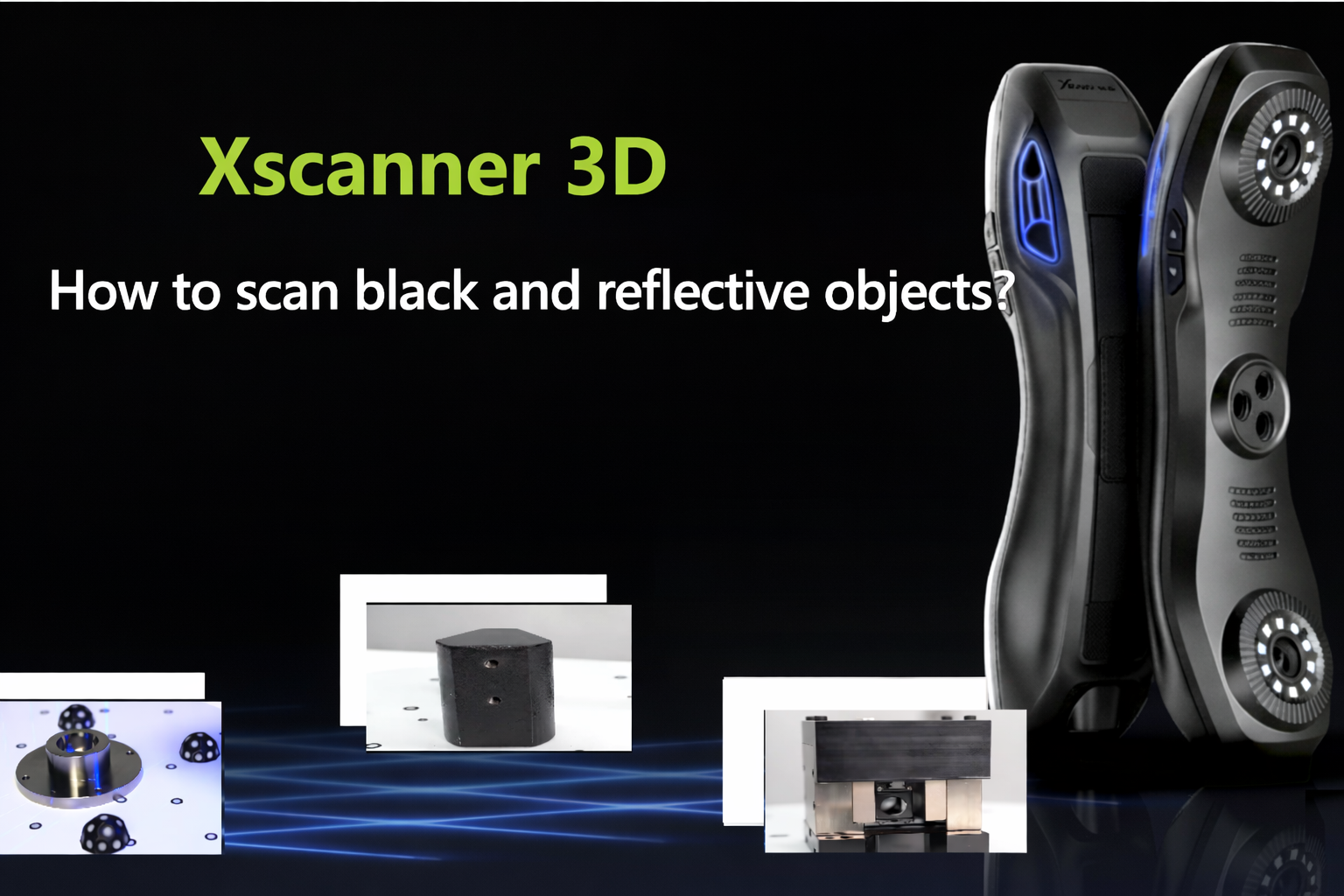
Many users who are new to 3D scanning often care about one question: without relevant experience, can they directly use Xscanner3D? Judging from the device positioning and actual user feedback, this type of scanner is not only intended for professional modeling personnel. As long as the operation is carried out according to the standard process, beginners can also gradually master it and complete basic scanning work.
I. What Are the Advantages for Beginners?
① The operation process is relatively intuitive
The supporting software provides real-time preview, allowing users to see the model generation status during the scanning process, making it convenient to adjust angles and parameters in time.
The overall process is clear, and new users can usually complete the scan smoothly by following the operating steps.
② The device is lightweight and easy to control
The whole machine weighs about 0.42 kg and can be operated with one hand.
The lightweight design makes it easier for beginners to control the rhythm during scanning and is also more suitable for mobile use on site.
③ Multiple modes for handling different materials
The device has multiple scanning modes and can adapt to common material conditions, such as:
metal parts, dark-colored objects, reflective surfaces
Selecting the appropriate mode according to the material of the object can improve scanning stability.
④ The output formats are relatively universal
It supports common data formats such as Xpro, PLY, TXT, STL, OFF, and OBJ, making it convenient for subsequent import into modeling software or 3D printing workflows, with relatively smooth integration.
II. Details Beginners Need to Pay Attention to During Use
The device itself is not complicated, but the scanning effect is closely related to the operating details.
1. Marker placement should be standardized
a. Keep the distance between markers at 3–5 cm
b. Do not place them in a straight line
c. Appropriately placing markers on the tabletop helps enhance tracking stability
d. The smaller the resolution value, the stronger the detail capture ability
Reasonable marker placement is an important prerequisite for ensuring scanning quality.
2. Pay attention to the scanning environment
a. Avoid direct strong light
b. Stay away from large electrical equipment
c. Minimize environmental vibration as much as possible
A stable environment helps reduce data loss and stitching errors.
3. Special surfaces need appropriate treatment
For highly reflective, transparent, or very dark black objects, scanning spray can be used to form a temporary coating. When spraying, keep it even and do not apply it too thickly.
4. Scan large objects by sections
When scanning large objects, it is recommended to:
a. Add reference points
b. Collect data by sections
c. Ensure sufficient overlap between adjacent sections
This helps improve stitching accuracy.
5. Supplement fine structures with multi-angle scanning
For deep holes or complex detailed parts, data can be supplemented through multi-angle scanning. When necessary, it can also be optimized with the software’s detail enhancement function.
Conclusion
Overall, Xscanner3D does not have an obvious entry barrier.
Under the premise of standardized operation, environmental control, and attention to details, beginners can also complete stable scanning work.
For beginners, becoming familiar with the process and developing good operating habits is more important than simply pursuing parameter settings.