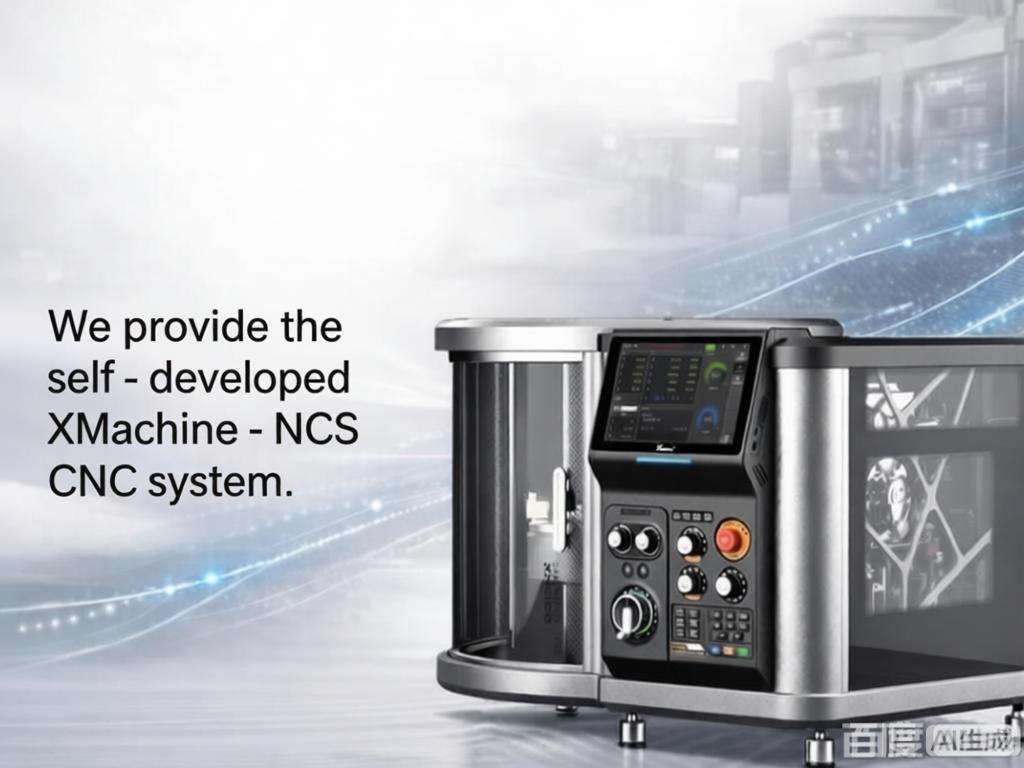
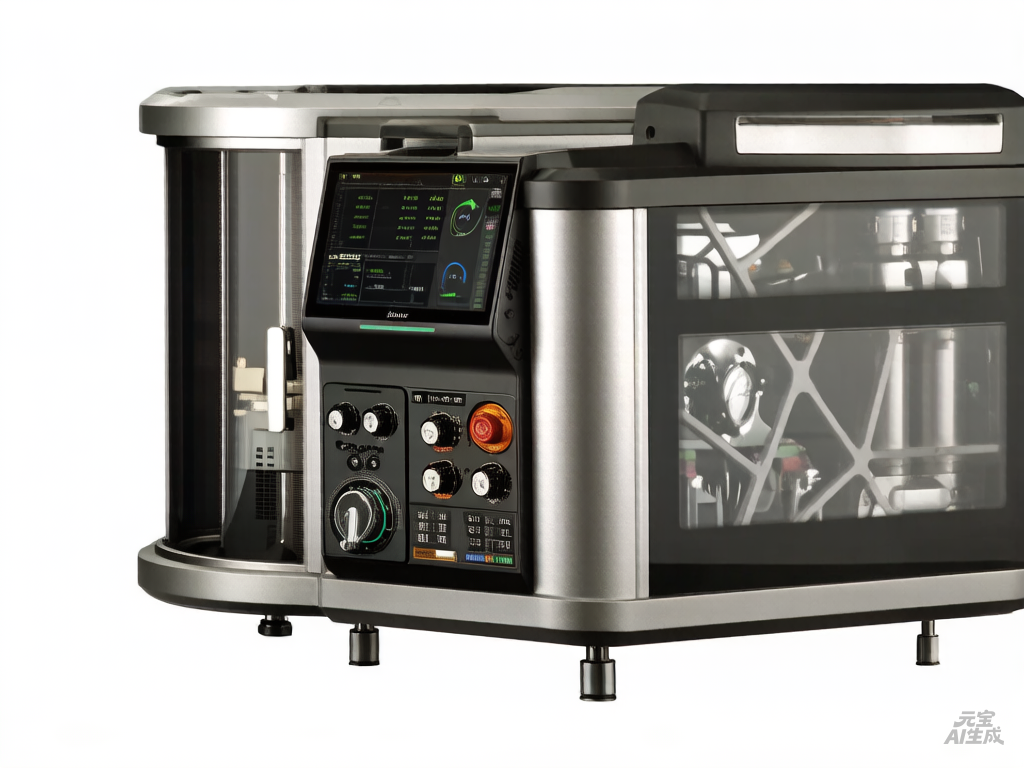
5-axis CNC
Tutorials, software updates, and firmware news for desktop 5-axis CNC
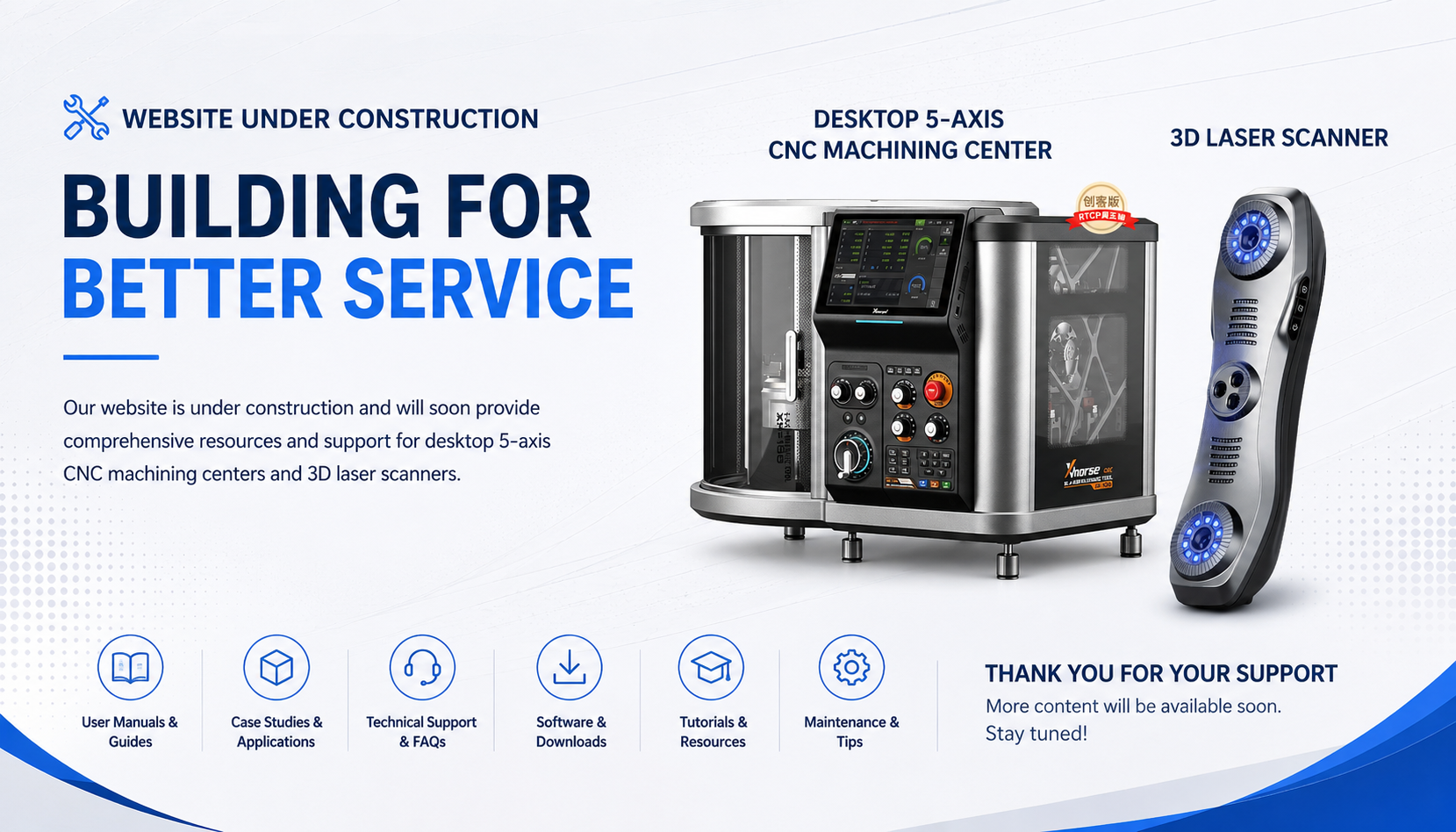
Website Under Construction
No description available
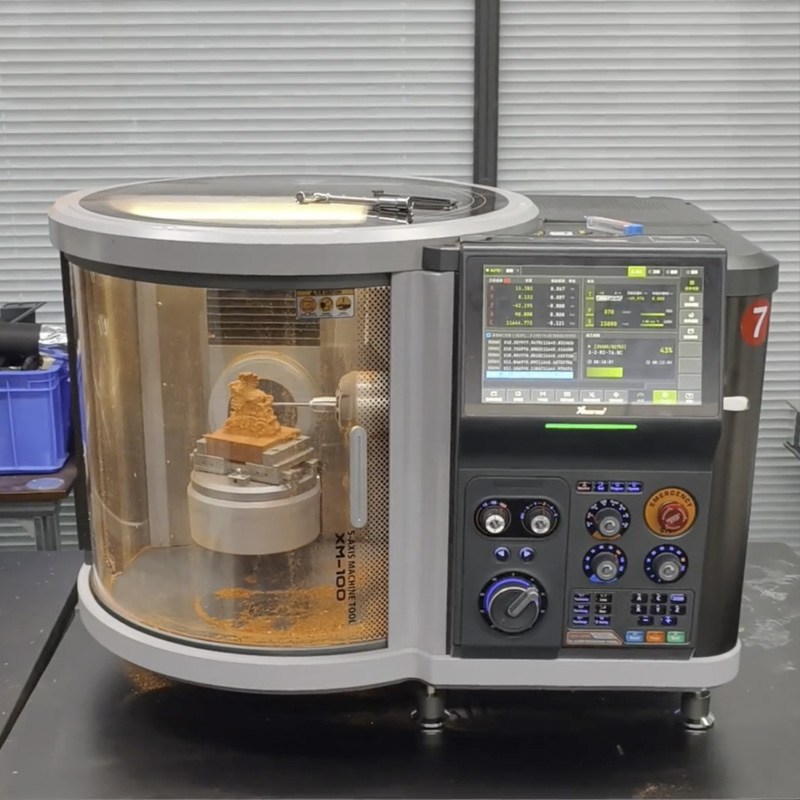
What are the Application Areas of Desktop Five-Axis CNC Machining Centers?
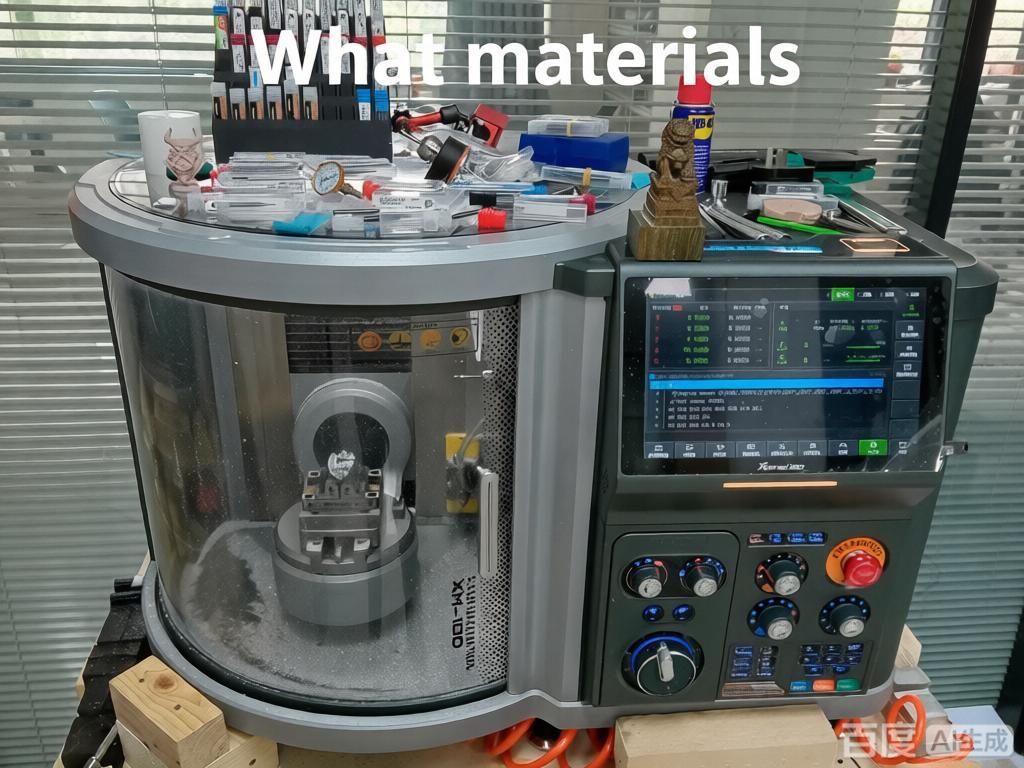
Specific Application Areas and Detailed Descriptions of the Xmachine XM-100 Desktop Five-Axis CNC Machining Center:
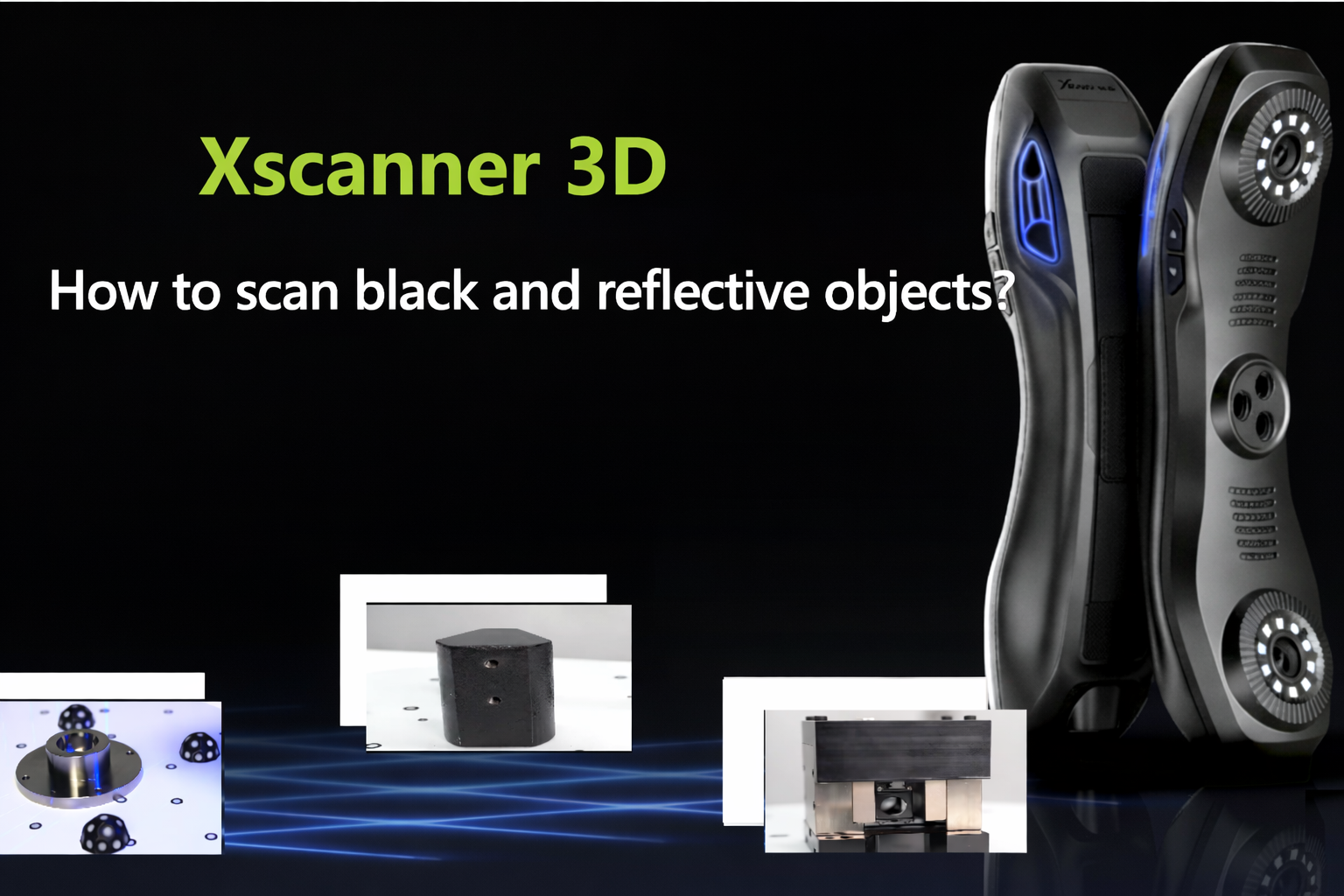
How to Scan Reflective and Black Materials? Explanation of Common Issues in 3D Scanning
When 3D scanning special materials, abnormal surface reflection often causes data distortion or loss of detail. For reflective objects, adjusting the laser angle and exposure time can reduce glare-related interference. For black objects, increasing laser brightness and exposure time, together with software optimization, can strengthen signal capture. For objects with complex materials, enabling adaptive scanning allows the system to automatically identify surface characteristics and optimize parameters, improving the clarity, stability, and completeness of the final model data.
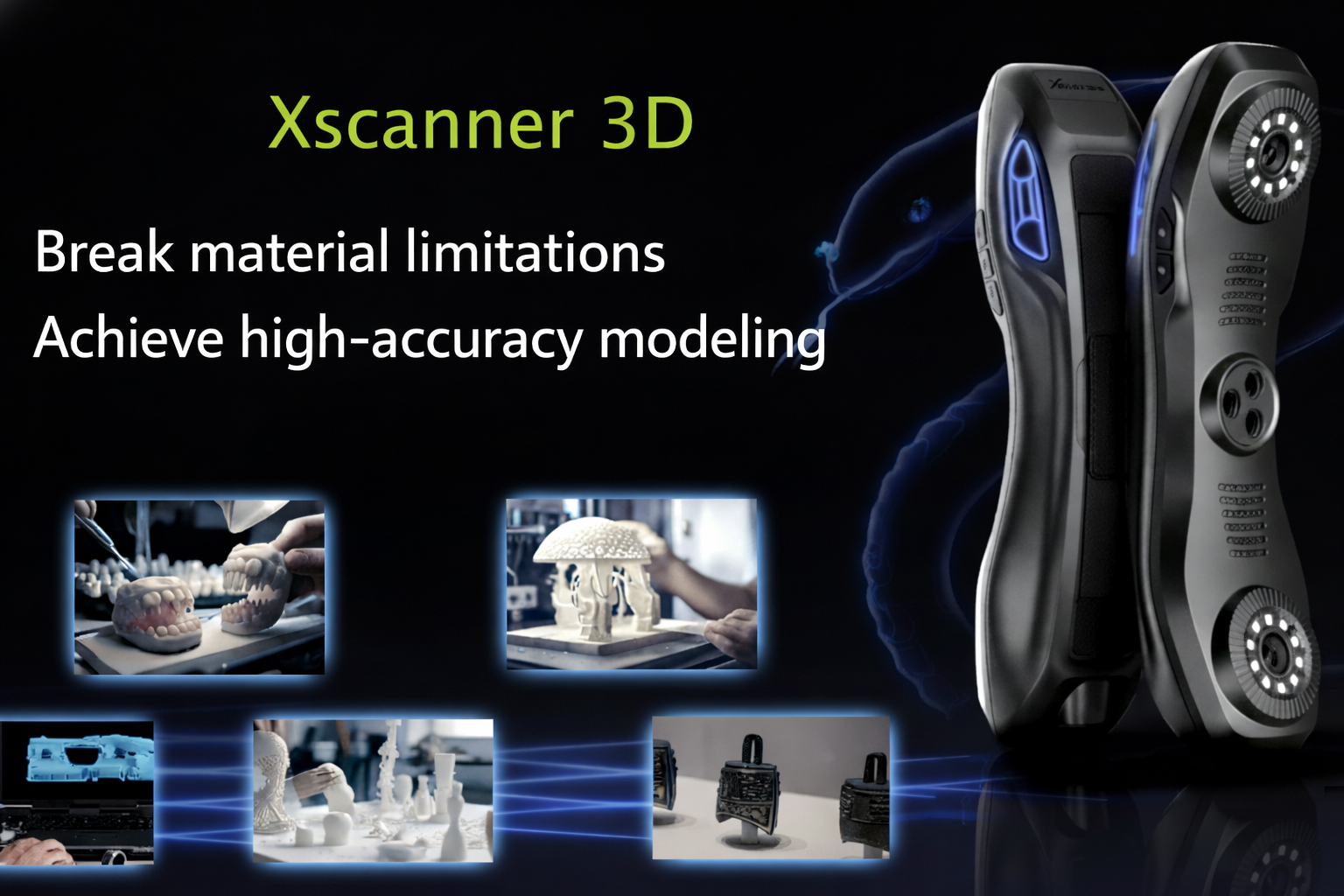
Xhorse3D Xscanner Laser Scanner: Overcoming Material Limitations for 0.05 mm High-Precision Modeling
The Xhorse3D Xscanner laser scanner adopts blue laser scanning technology, with a maximum scanning accuracy of up to 0.05 mm. Through the combination of 7 pairs of crossed blue laser lines, 1 high-energy laser line, and a high-precision camera, it enables high-density 3D data acquisition. The device supports scanning of metal, dark-colored materials, as well as various common materials such as plastic and ceramics. Among them, the reflective mode and dark mode can improve the scanning results of special materials to a certain extent. At the same time, its measurement speed of up to 420,000 times per second can improve scanning efficiency. The acquired 3D data can be applied to product.
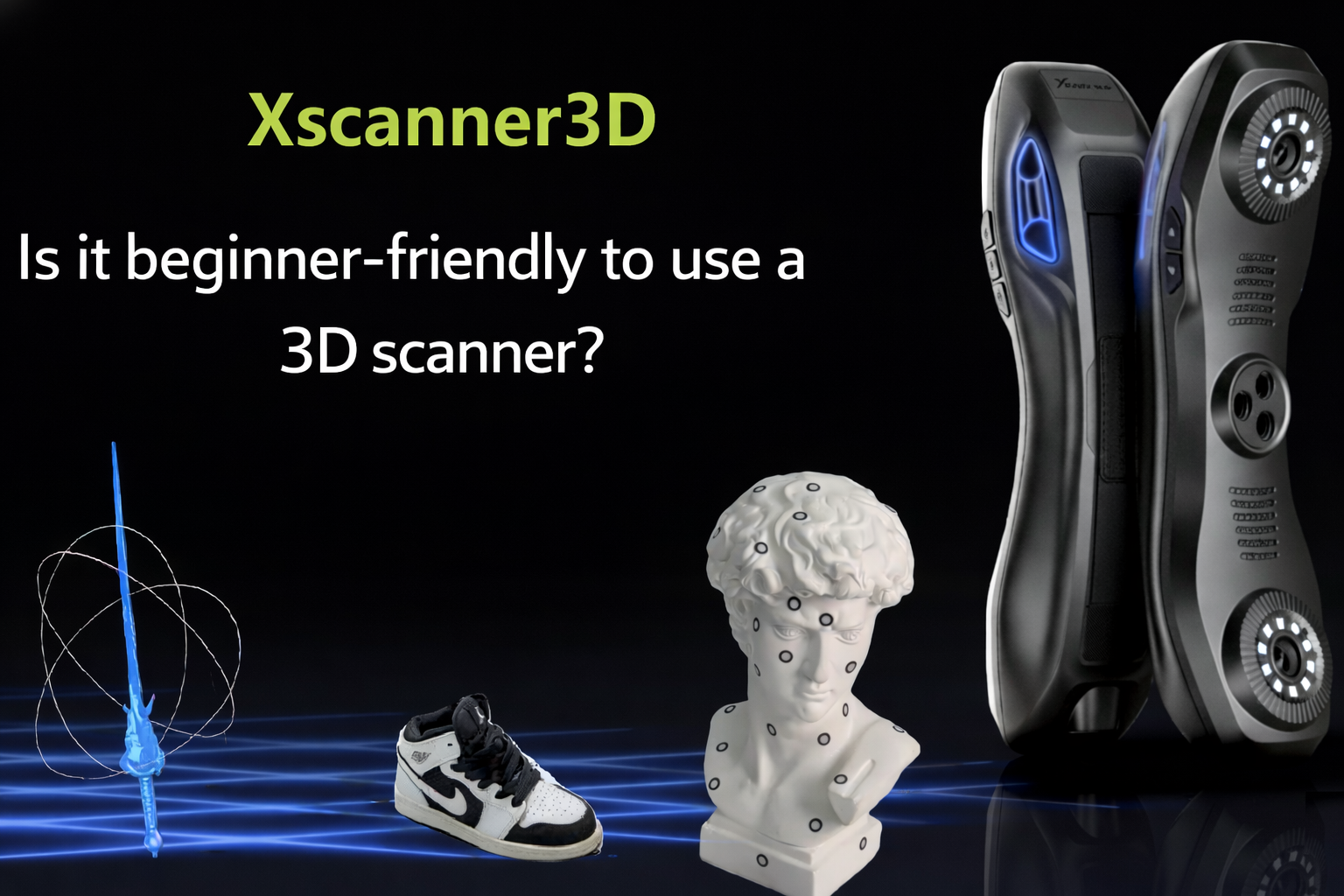
Is the Xscanner3D Scanner Suitable for Beginners?
This article shares the complete process and insights of a beginner using the xScanner3D scanner. The content covers the unboxing experience, handling techniques for surfaces of different materials (such as marker placement and scanning spray use), environmental requirements, scanning parameter settings, partitioned scanning and error correction methods, as well as measures for dealing with common problems. The article is mainly based on practical experience sharing and does not involve marketing language, aiming to help 3D scanning beginners get started quickly and avoid common operational mistakes.
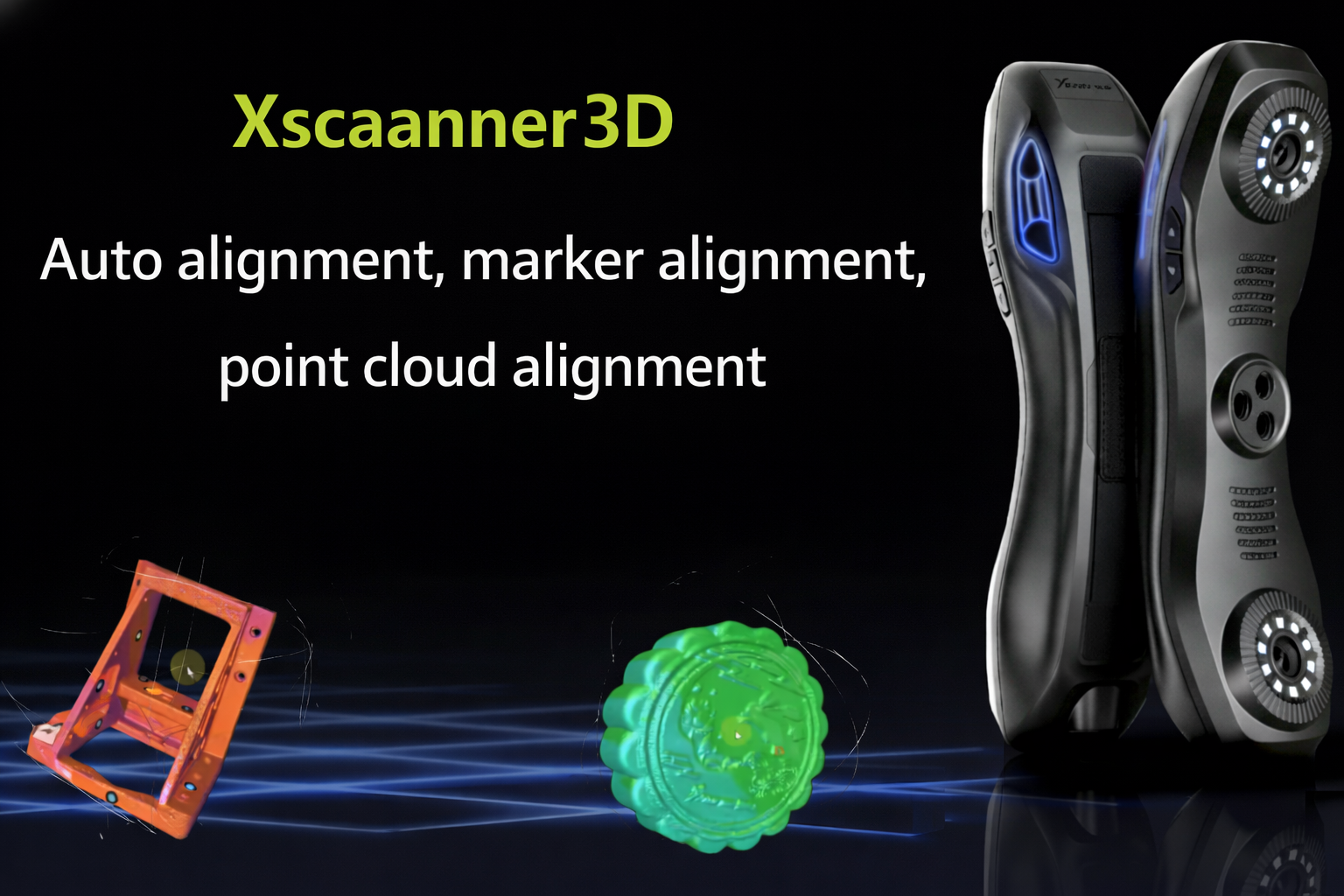
Automatic Stitching vs. Marker Stitching vs. Point Cloud Stitching: How to Choose the Right 3D Stitching Mode in 3D Scan Post-Processing?
In 3D scan post-processing, different stitching modes are suitable for different scenarios. Automatic stitching is suitable for objects with rich textures, marker stitching is suitable for high-precision requirements, and point cloud stitching is suitable for large or complex structures. The choice can be made flexibly according to object features, accuracy requirements, and equipment conditions.
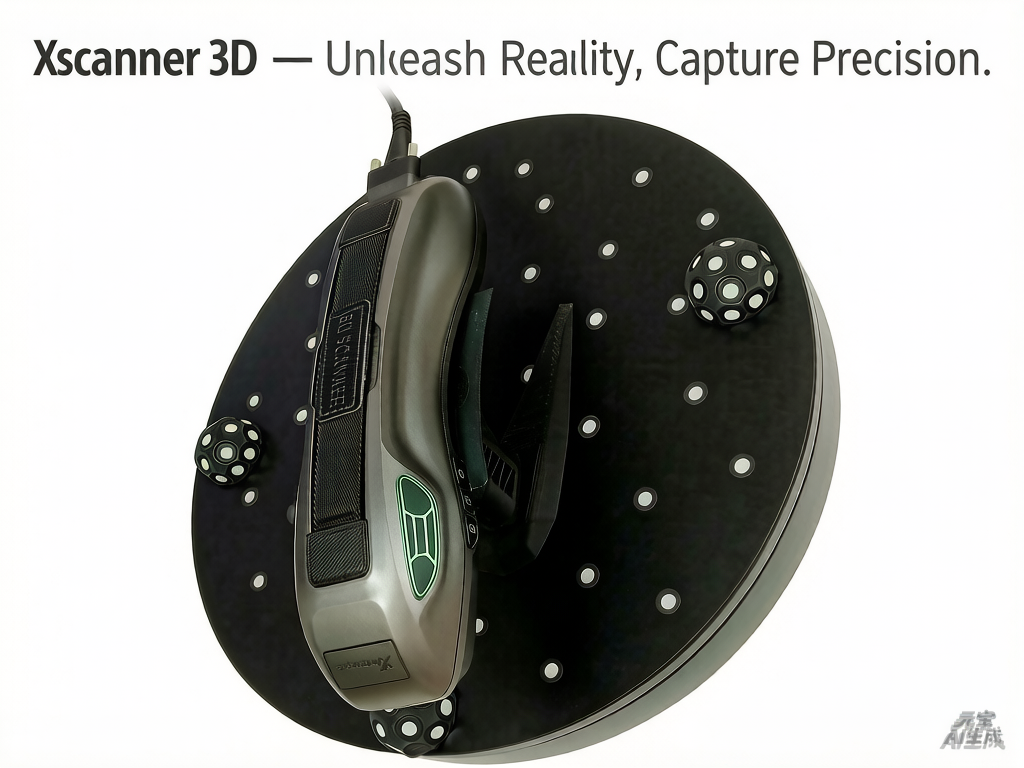
Xscanner 3D — Unleash Reality, Capture Precision
Xscanner 3D Handheld 3D Scanner Core Features High Precision: 0.05mm scanning accuracy, 7 pairs of crossed laser lines, 420,000 measurements per second User-Friendly: Guided calibration (1-2 minutes setup), real-time distance indicator, suitable for beginners Portable & Wireless: 425g handheld design, built-in battery, allows flexible on-the-move scanning Software Compatibility: Supports export in multiple formats (STL/OBJ/PLY, etc.) and seamless integration with mainstream 3D software Application Fields Industrial Manufacturing, Cultural Heritage & Archaeology, Architecture & Engineering, Mechanical Maintenance, Film & Creative Media, Automotive Modification Support Services: Software Downl
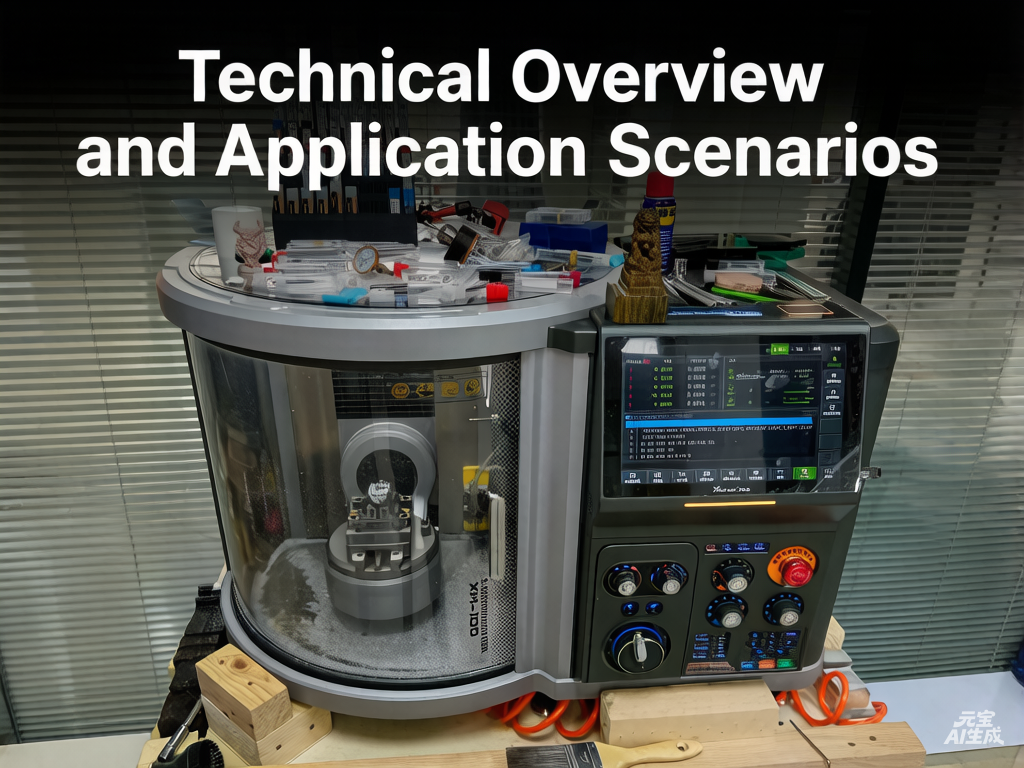
Xmachine Desktop 5-Axis Machining Center: Technical Overview and Application Scenarios
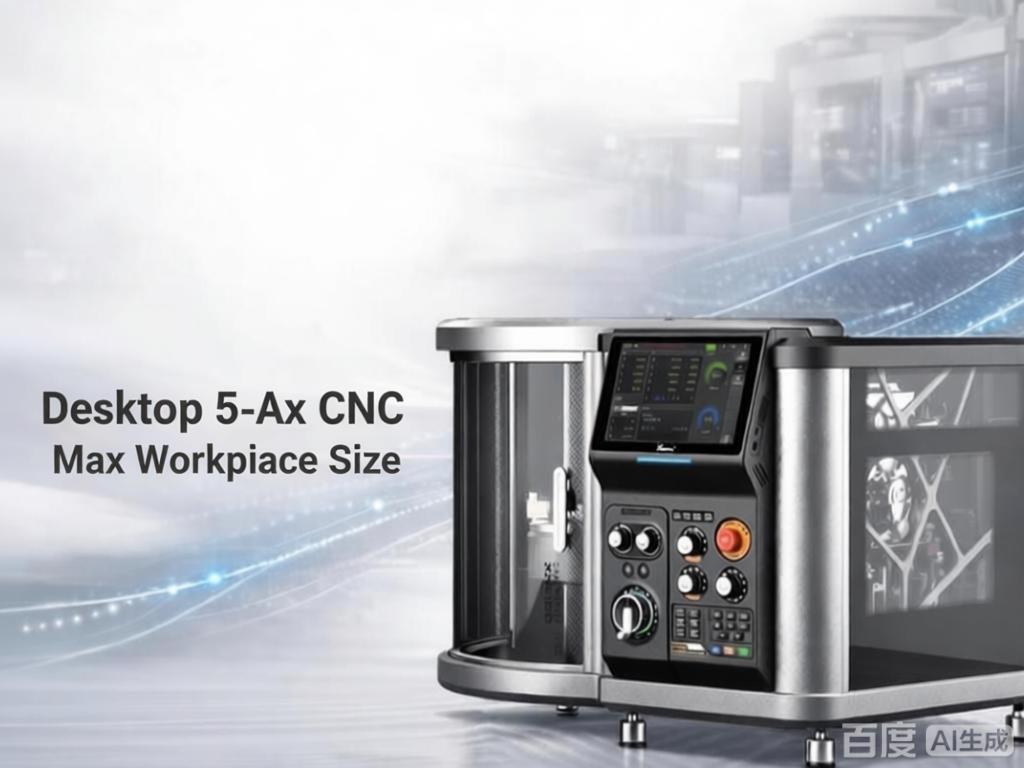
Xmachine: The World's First AI‑Enabled Desktop 5‑Axis CNC Delivering industrial precision in a compact desktop machine. Features 5‑axis simultaneous motion, 0.01mm repeatability, RTCP, and a high‑speed spindle. The integrated AI software enables seamless CAD‑to‑CAM workflow, making complex machining accessible for designers, makers, and small‑batch production.
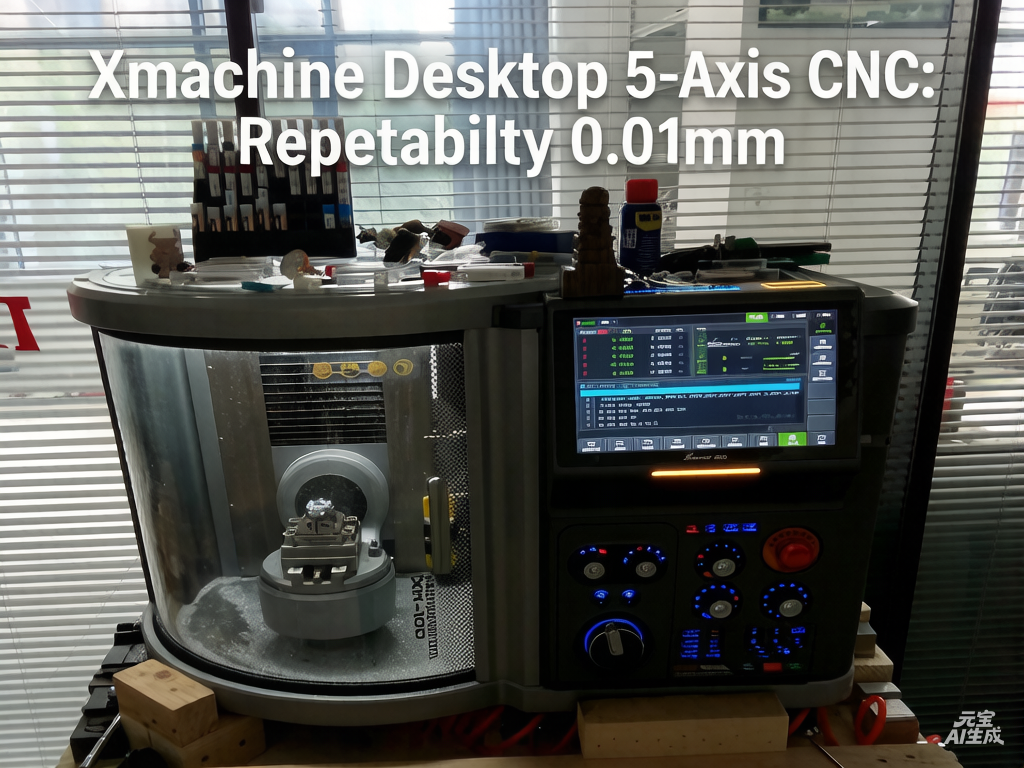
Xmachine Desktop 5-Axis CNC: Repeatability 0.01mm, AI-Powered Programming
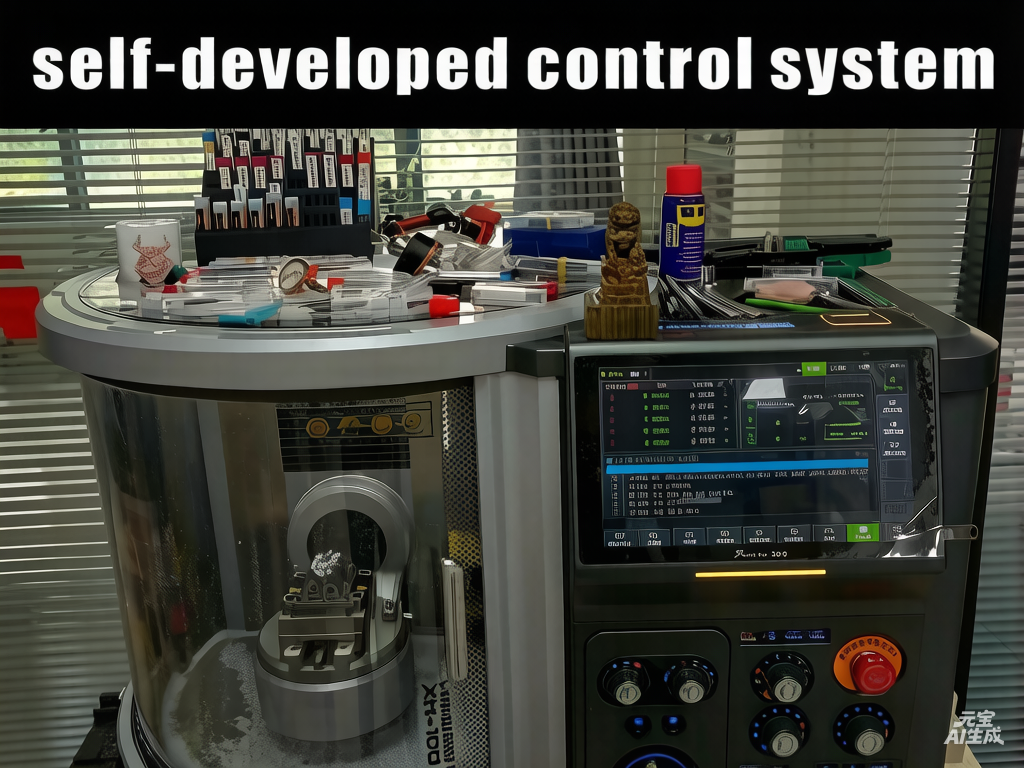
In 2025, Xhorse 3D launched Xmachine, the world's first AI‑integrated desktop 5‑axis machining center. It delivers true 5‑axis motion, 0.01mm repeatability, and handles metals, plastics, wood, and more. The self‑developed CNC system and AI software X Maker slash the learning curve, enabling quick model‑to‑part workflows. Compact and quiet, it supports prototyping, engraving, and small‑batch production—putting factory‑grade precision on the desktop and empowering creators everywhere.
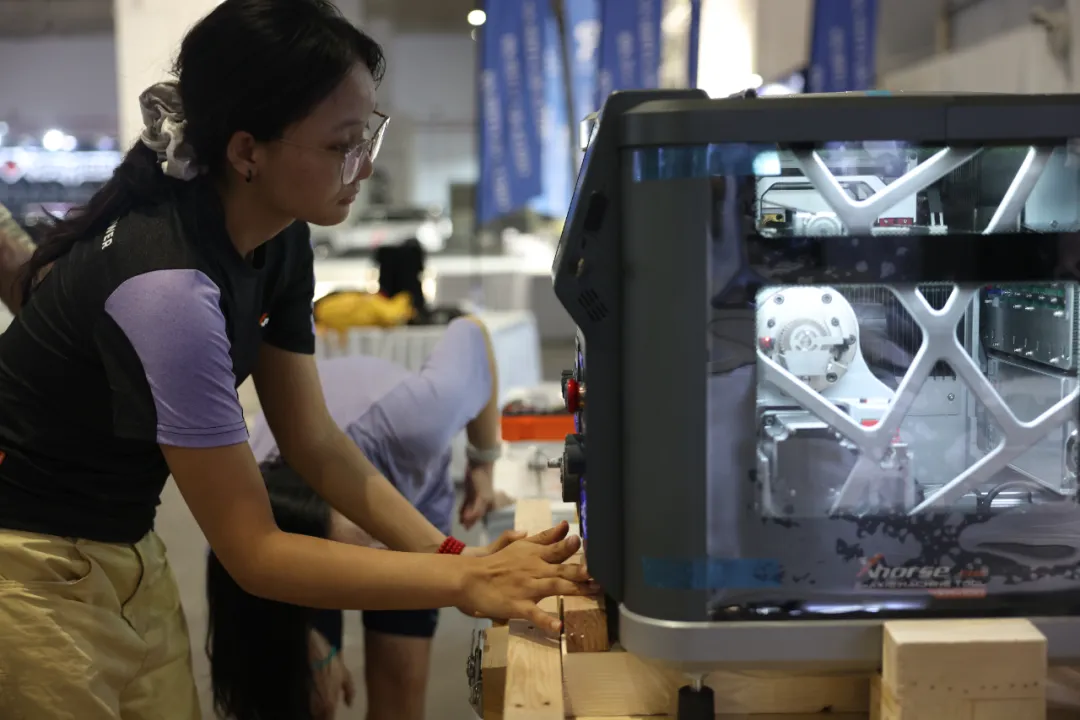
3D Scanning Meets Fast Car Tuning! Shi Cheng Zhi Yin Partners with Shu Ma Electronics to Showcase 3D Tech at IASCA Dongguan
This article reports on the "IASCA King of Kings Car Audio Challenge & Asia Championship China Elite Selection · Dongguan Station" held at the Guangdong Modern International Exhibition Center from October 17 to 18, 2023. The article highlights the innovative Xhorse 3D technology products jointly exhibited by Shanghai Shi Cheng Zhi Yin and Shu Ma Electronics—a precision instrument integrating a 5-axis CNC machining center and 3D scanning capabilities. It elaborates on the application value of this equipment in the car audio modification field and its positive impact on the future development of the industry.
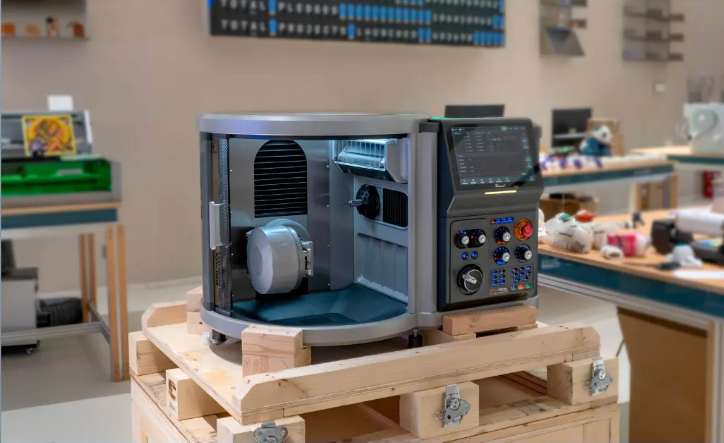
Desktop 5-Axis CNC Machining Center: Officially Launched!
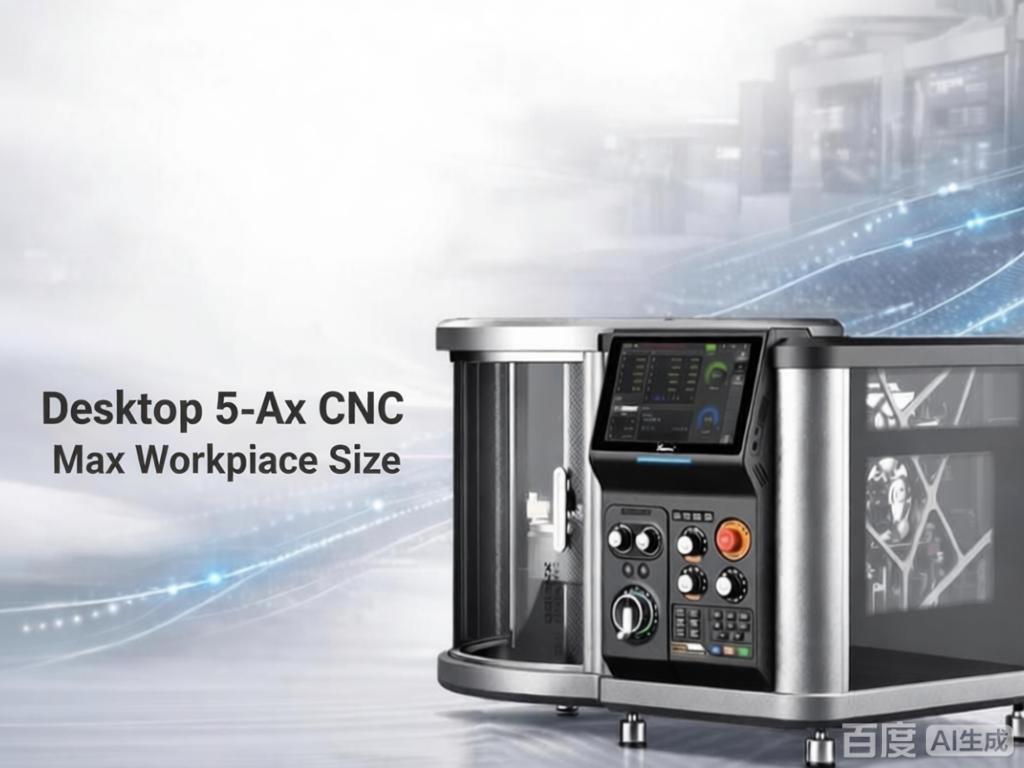
The Xhorse 3D Desktop 5-Axis Machining Center is a high-performance, compact CNC machine crafted to bridge prototyping and small-batch production. It combines industrial-grade rigidity and stability with a desktop footprint, supporting engraving, milling, drilling, and tapping across a wide range of materials. Whether you're a maker refining a custom mod, a studio iterating on a prototype, or a workshop machining complex geometries—this machine delivers precision, repeatability, and professional results right at your bench.
Xscanner 3D Software Update Notes v1.3.5 (2026-02-03)
Xscanner 3D Software Update Notes v1.3.5