Product Information
Featured content and the latest industry trends, continuously updated
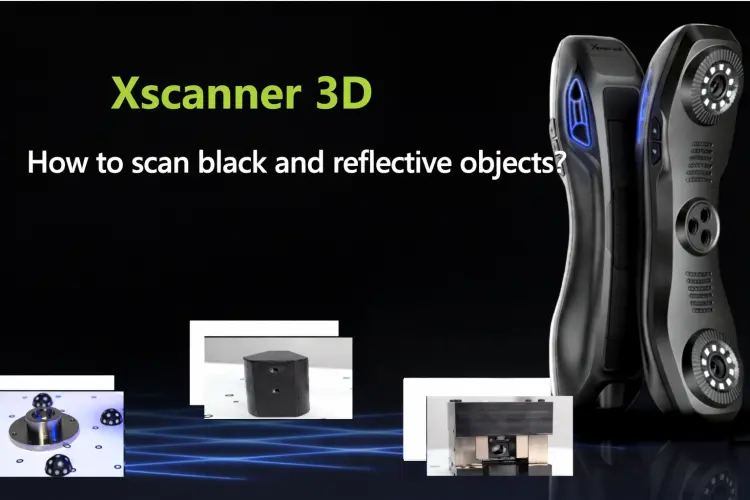
How to Scan Reflective and Black Materials? Explanation of Common Issues in 3D Scanning
In 3D scanning, objects made of different materials present different scanning challenges, especially highly reflective surfaces and black objects, which often cause noise and loss of detail. This article focuses on these common material-related difficulties, analyzes the scanning characteristics of reflective objects, black objects, and objects with complex materials, and provides corresponding scanning approaches and optimization methods to help users obtain more stable, high-quality scanning data in practical operation.
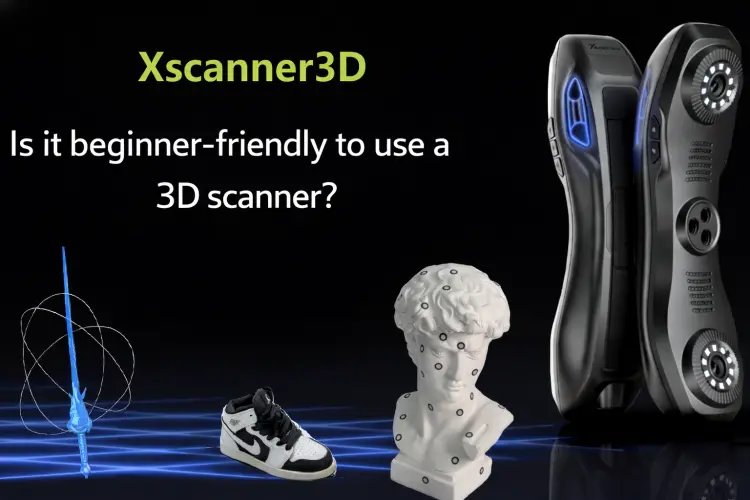
Is the Xscanner3D Scanner Suitable for Beginners?
For beginners who are new to 3D scanning, both the equipment and the way to use it can often feel confusing. Based on my actual experience using xScanner3D, this article summarizes the operational details of each step, from unboxing to scanning the first complete model, including marker placement, environment selection, parameter settings, and post-processing, and also records the various problems encountered and their solutions. I hope it can provide some practical reference for friends who are also just getting started.
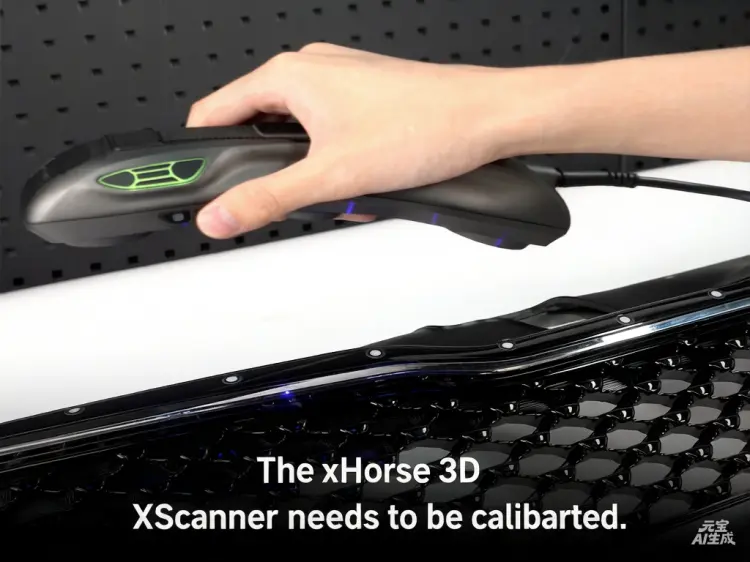
When does the xHorse 3D XScanner need to be calibrated?
This section explains when xHorse 3D XScanner needs calibration, helping you to use the device more effectively.
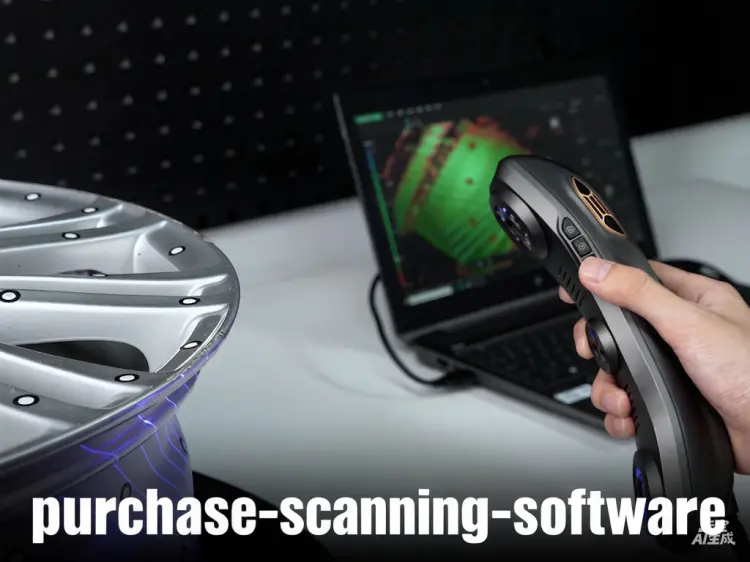
Do I need to purchase scanning software separately for the equipment?
Our software, X scanner 3D, is independently developed and available for free.
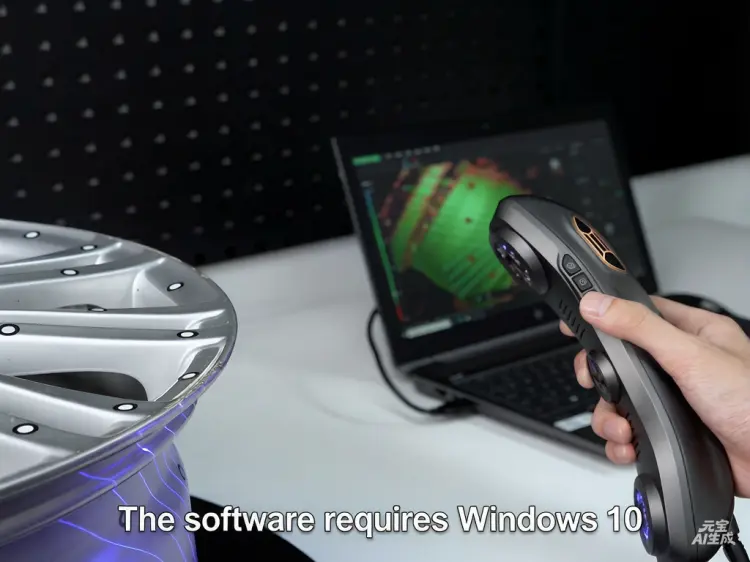
What are the system requirements of the computer for the 3D scanning software?
The software requires Windows 10 or a later version of the operating system. Recommended Computer Configuration
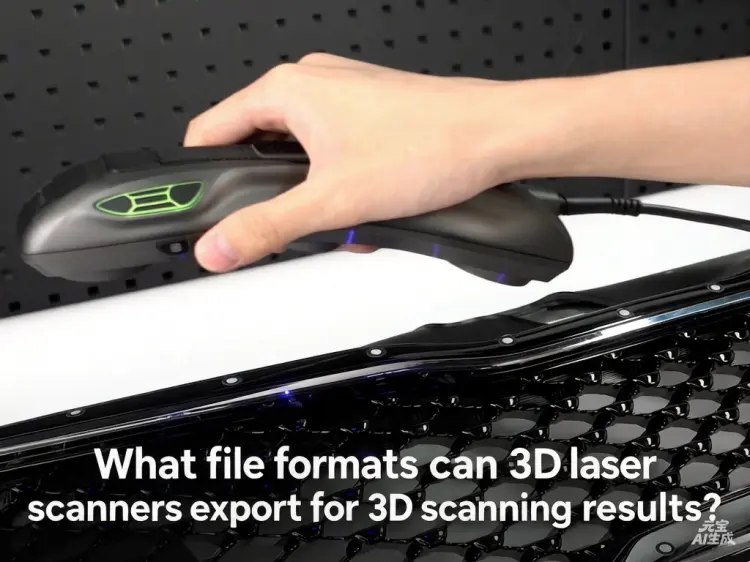
What file formats can 3D laser scanners export for 3D scanning results?
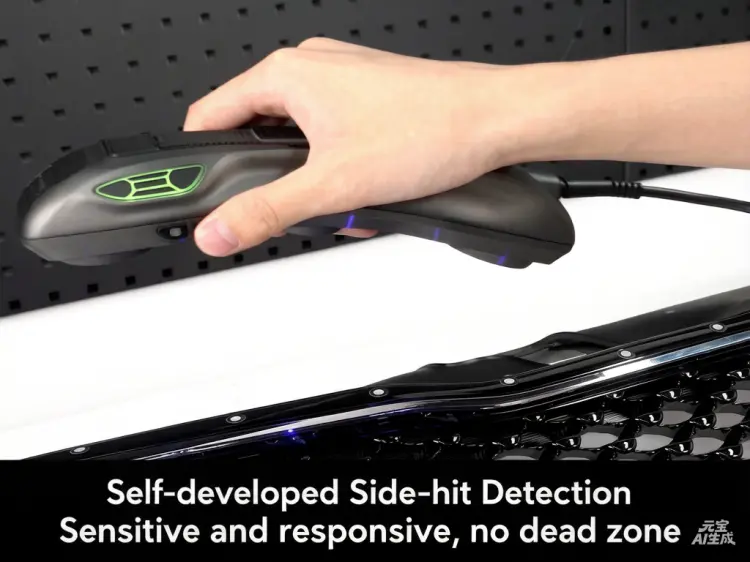
Is the software for the XScanner 3D Laser Scanner self-developed or open-source modified? What format does the scanned model output — mesh or solid?
The supporting software is independently developed. The scan can output either point cloud data or mesh data.
Is the 3D Scanner Software Compatible with Other CNC Machines?
3D Scanner Software Compatible with Other CNC Machines

Is the XScanner 3D Laser Scanner a Structured Light Device?
The XScanner 3D utilizes laser triangulation technology, featuring 7×2+1 blue laser lines.
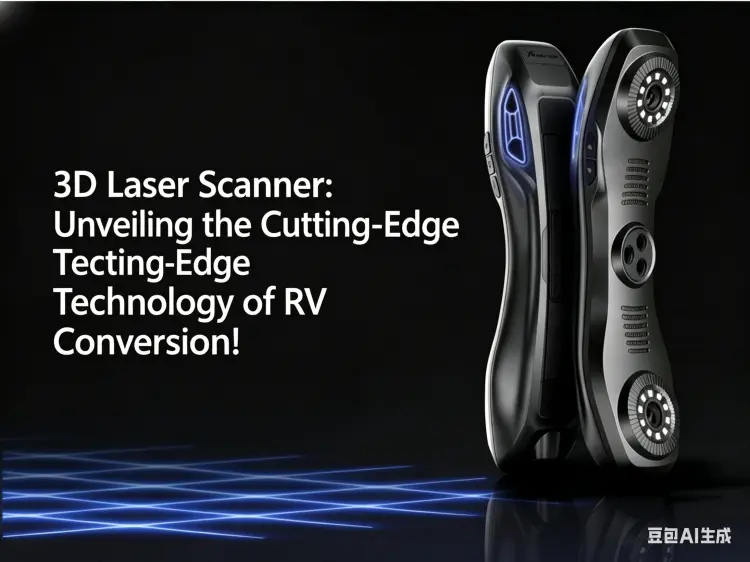
3D Laser Scanner: Unveiling the Cutting-Edge Technology of RV Conversion!
The biggest headaches in RV conversion are irregular vehicle shape, size deviation, and rework of materials.